
Lead capture for website forms, partner channels, and sales-ready follow-up
Bring in leads from website forms and partner channels, match them to the right account, and send them to the right next step.
Product map
Lead capture
Product map
Lead capture
Inbound capture layer
Lead capture gives teams a structured inbound intake system where website forms, partner channels, and campaign responses flow directly into Reforce instead of disappearing into disconnected tools.
Feature
Lead capture
Designed for teams that need incoming leads to arrive with the right context and clear next steps already in place.
[/1] Intake model
Multi-source
Each inbound channel can represent a website, campaign, partner source, or form type with its own settings.
[/2] Capture method
Mapped
Incoming details can be matched to the right CRM fields without manual cleanup.
[/3] Routing context
Triggered
Source labels, account matching, and next-step routing make it easier to see why a lead came in and what should happen next.
Turn scattered external submissions into one workflow-ready inbound funnel
Lead capture becomes more useful when every submission arrives with clear source context from the start. That makes incoming leads easier to route, prioritize, and follow up on in the same commercial system.
Reforce lets teams define inbound channels for websites, forms, or partner sources, then control how each submission enters the CRM. Security settings, field matching, and account matching help standardize intake before a human touches it.
Because each channel can add source details and send the lead into the right next step automatically, follow-up, routing, and reporting stay much cleaner than with generic form submissions.
Lead capture from forms and partner channels
Security checks, source settings, and field matching
Automatic tags by channel or entry point
Cleaner lead routing into CRM workflows
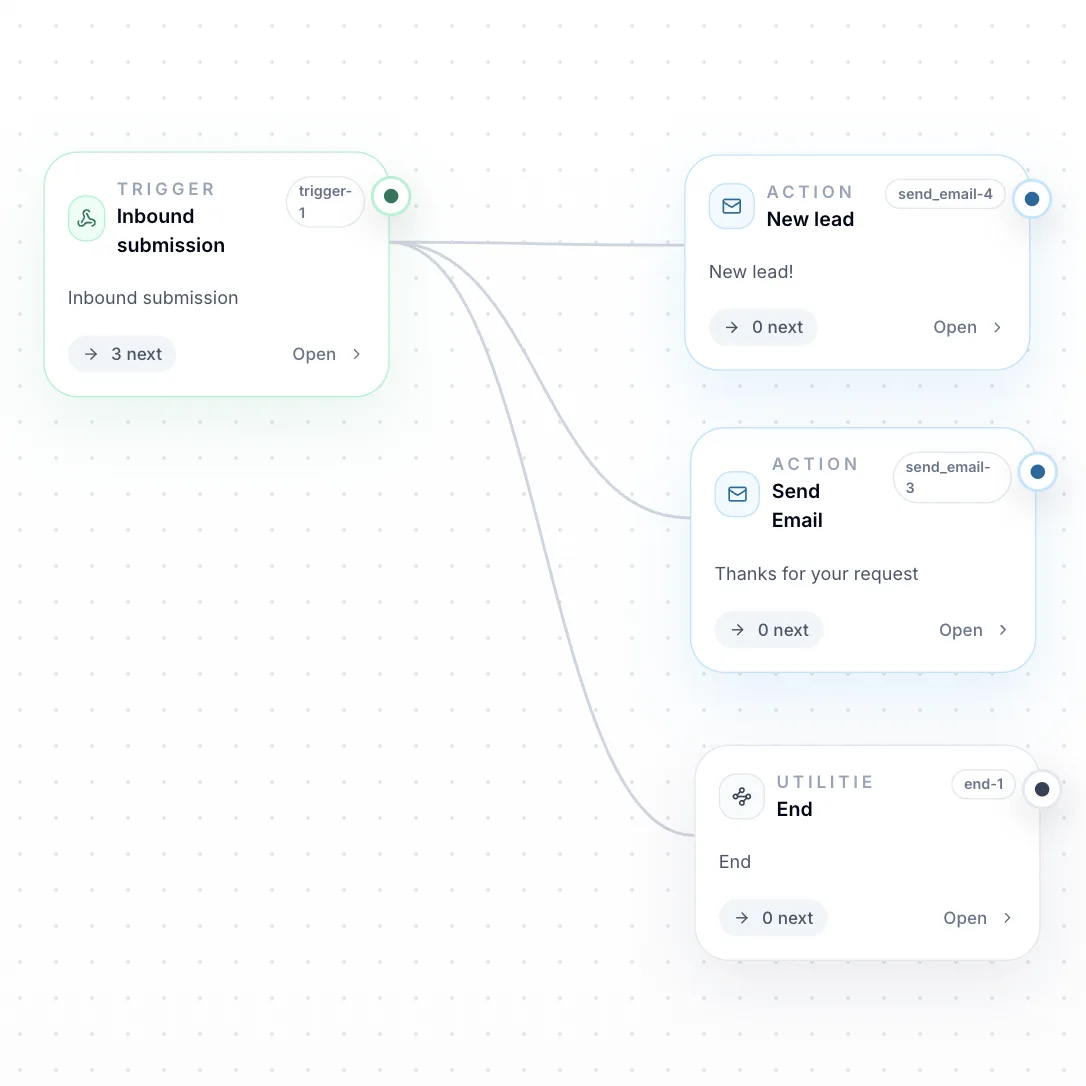
Typical ways teams use channels
Website conversion paths
Run contact, book demo, and newsletter forms on one site while keeping each submission type distinct inside Reforce.
Mapped partner or integration intake
Bring in partner or system leads through secure channels and keep them in the same CRM flow as form submissions.
Lead triage and handoff
Use source details and clear routing rules to decide how incoming leads should be prioritized and handed off.
See it in action
Make commercial structure easier to launch
Use Reforce to connect catalogs, configuration, pricing, and customer execution in one workflow teams can actually trust.